
Pngtee guide

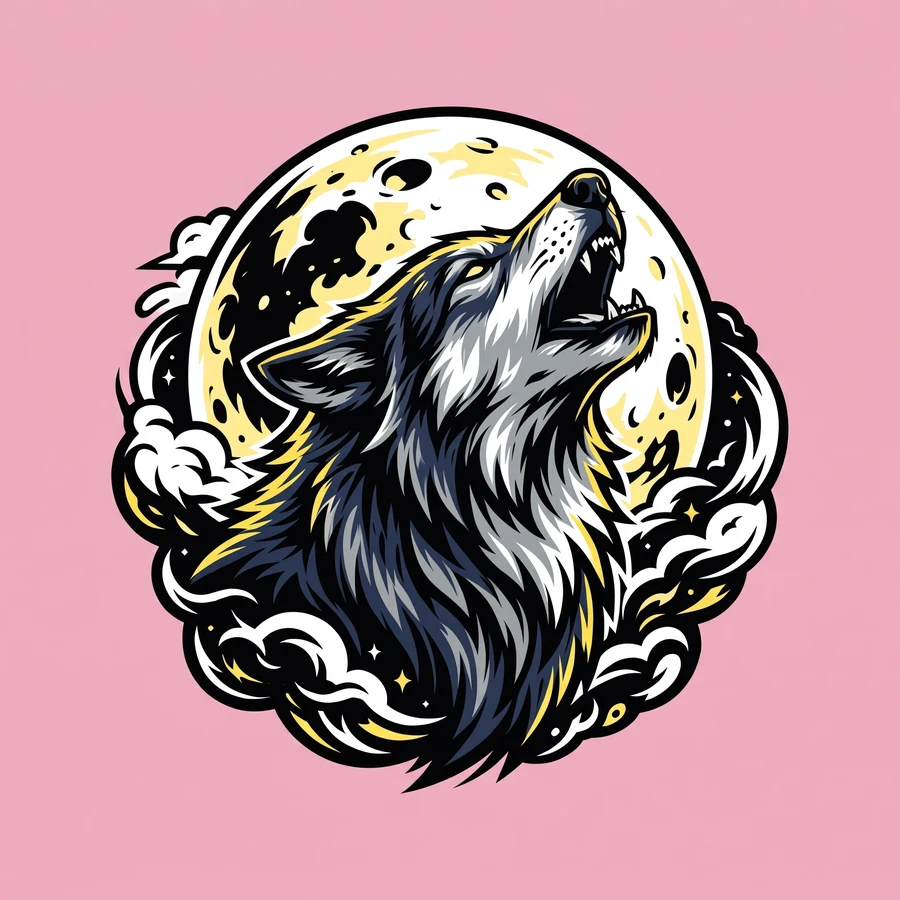
Why does my shirt design print with a white background behind it?
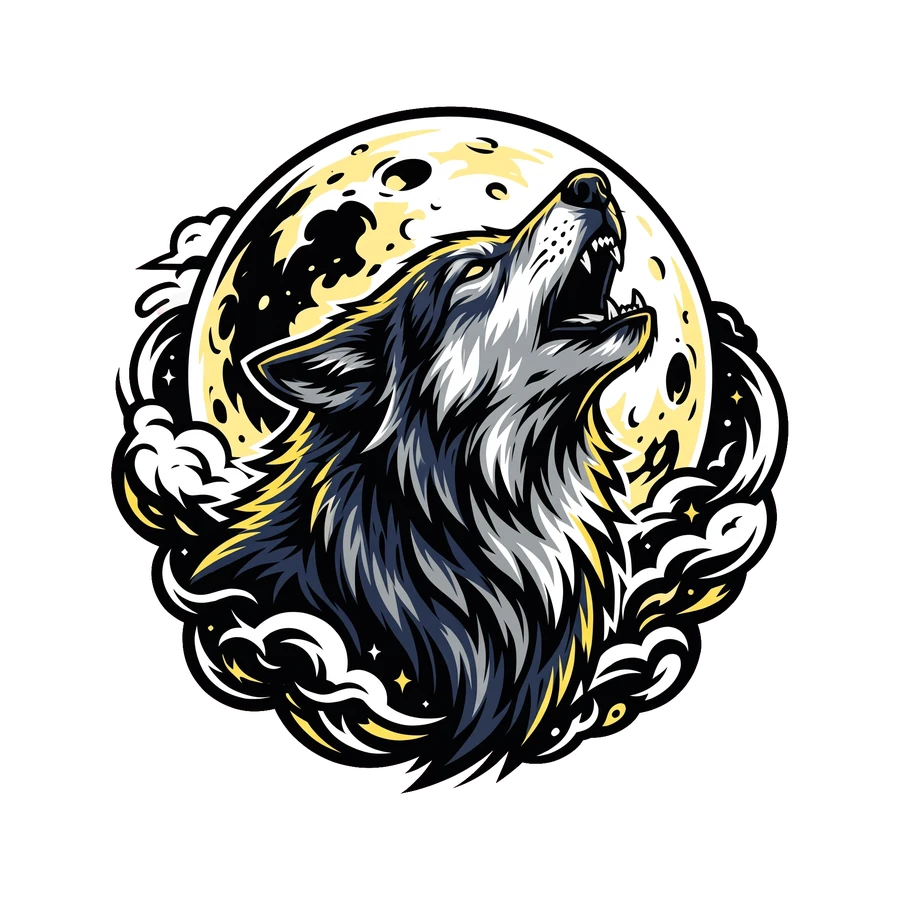
Because the file has a background. A JPG, or a PNG saved on white, prints everything in the file, box included. A transparent PNG holds only the design.
Your design filePNG, JPG or WebP · up to 24 MBTry this exampleBeta. 5 free previews a day, no account. Nothing is redrawn or enlarged.


Before you start
- You need
- The JPG, PNG or WebP of your design, up to 24 MB.
- You get
- A transparent PNG, checked on a dark and a light shirt.
- Time
- Usually under a minute.
- Cost
- The preview is free, five a day. The clean PNG is one credit.
Step by step
- 01Check the file.
Open it over a dark background. If you see a rectangle around the art, the box is in the file.
- 02Remove the box.
Upload the file here: the box and its soft shadow are removed and the art is not redrawn.
- 03Look at it on dark and on light.
The free preview shows the design on a black and on a white shirt color.
A PNG can have one too
A PNG saved from a flattened image has an opaque white background. The file type alone does not tell you.
Run this example, or use your own file.
Five previews a day, no account. Pay only for the files you keep.
Your design filePNG, JPG or WebP · up to 24 MBTry this exampleBeta. 5 free previews a day, no account. Nothing is redrawn or enlarged.
More guides
 The fileHow do I remove the white background from a t-shirt design?Upload the JPG, PNG or WebP. The box and any soft shadow are removed and nothing is redrawn. It is in beta: it works on designs with a clear outline and fails on some others.Read the guide →
 Print and sellWhat size PNG do I need for a t-shirt print?Print width in inches is the pixel width divided by the print resolution. A 2048 pixel file is about 6.8 inches at 300 pixels per inch and about 13.6 inches at 150.Read the guide →Print and sellWill my design work on a black shirt and a white shirt?Only if no important part of it is the same color as the shirt. White fills vanish on a white shirt, and black fills vanish on a black one.Read the guide →