
Pngtee guide
How do I make a t-shirt design without Photoshop?
Describe the design in one sentence, pick a style, and download a transparent PNG. No editor is opened and no background has to be erased by hand.
Your design filePNG, JPG or WebP · up to 24 MBDescribe a designBeta. 5 free previews a day, no account. Nothing is redrawn or enlarged.
Before you start
- You need
- The JPG, PNG or WebP of your design, up to 24 MB.
- You get
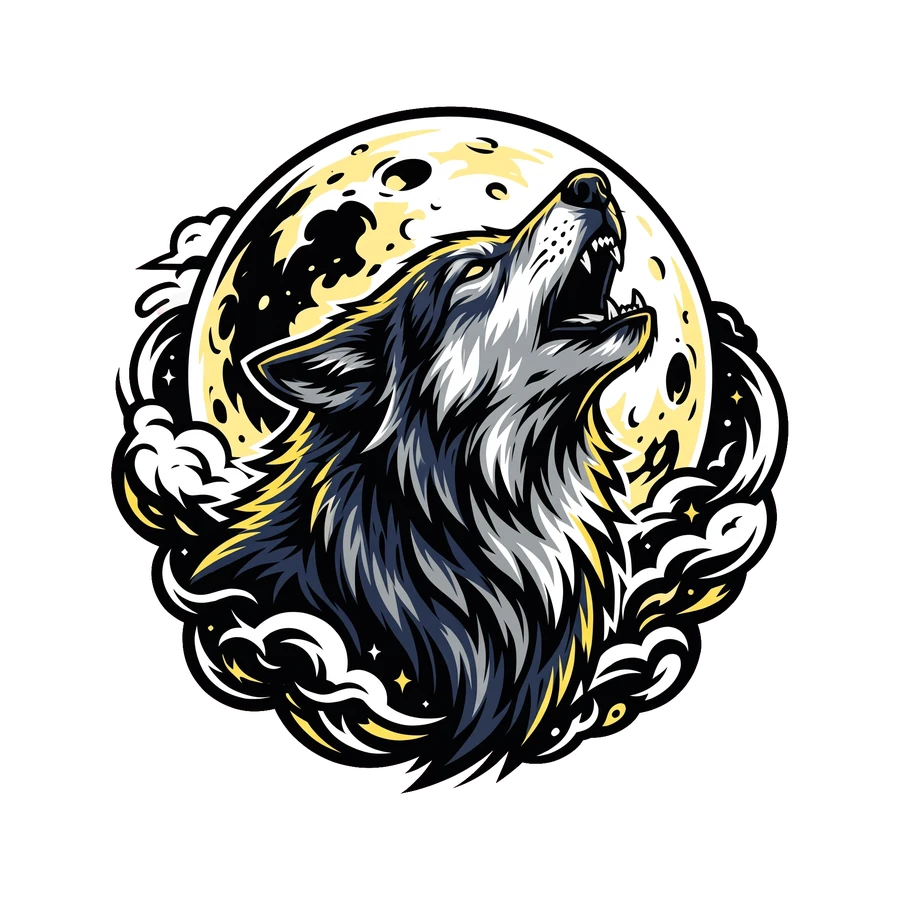
- A transparent PNG, checked on a dark and a light shirt.
- Time
- Usually under a minute.
- Cost
- The preview is free, five a day. The clean PNG is one credit.
Step by step
- 01Write one sentence.
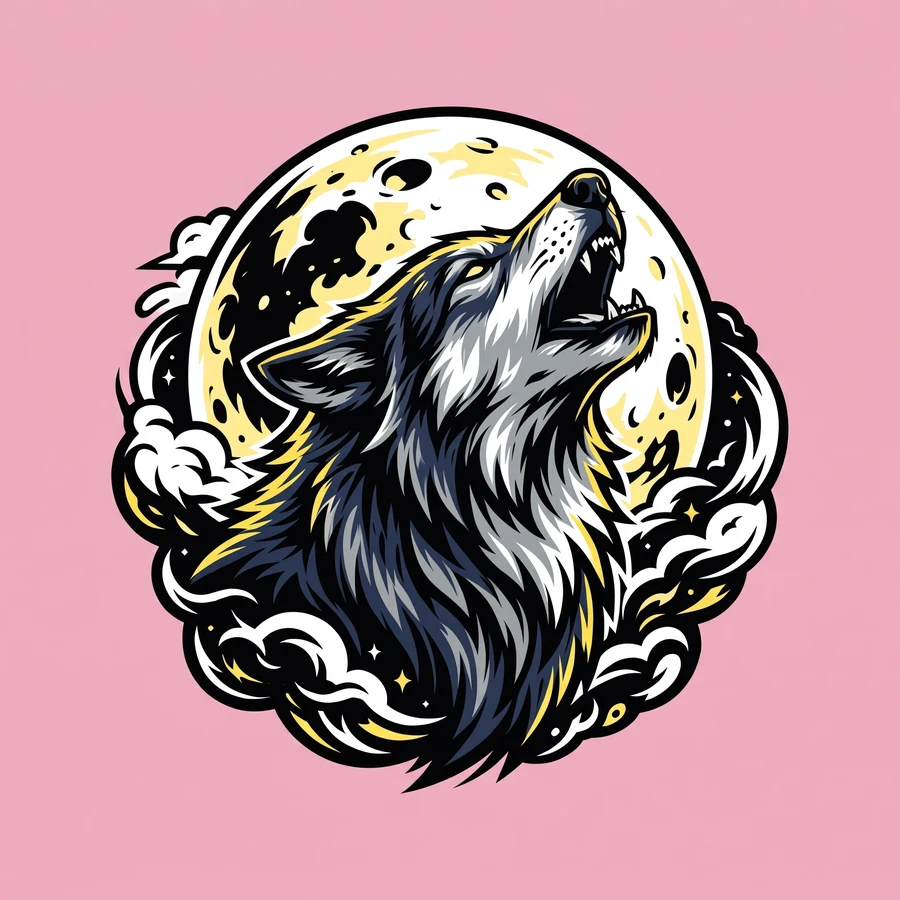
Name one subject and, if you like, a mood or a color. "A wolf howling at a yellow moon" is enough.
 02Pick one of the five styles.
Retro, Cartoon, Quote, Bold graphic or Mascot. The style sets the line weight and the palette.
- 03Read the preview on a dark and a light shirt.
A weak result costs nothing. Change the sentence and make another.
What to write
One subject reads from across a room. A scene with five things in it turns to mud at shirt size.
Describe your first design.
Five previews a day are free.
Your design filePNG, JPG or WebP · up to 24 MBDescribe a designBeta. 5 free previews a day, no account. Nothing is redrawn or enlarged.
More guides
 Make a designHow do I put a quote on a shirt as a PNG?Pick the Quote style and type the exact words inside quotation marks. Keep the line short. Then read every letter of the preview before you download.Read the guide →Print and sellWhich shirt designs sell?Simple ones tend to: one strong subject, three to five flat colors, and a short line in thick letters. A shirt is read from a few steps away, so anything fine or crowded is lost.Read the guide →Print and sellCan I sell shirts with AI-generated designs?Yes. You can use and sell the designs you make here. You are responsible for the rights to anything you describe or upload, and each marketplace has its own rule about saying a design was made with AI.Read the guide →